


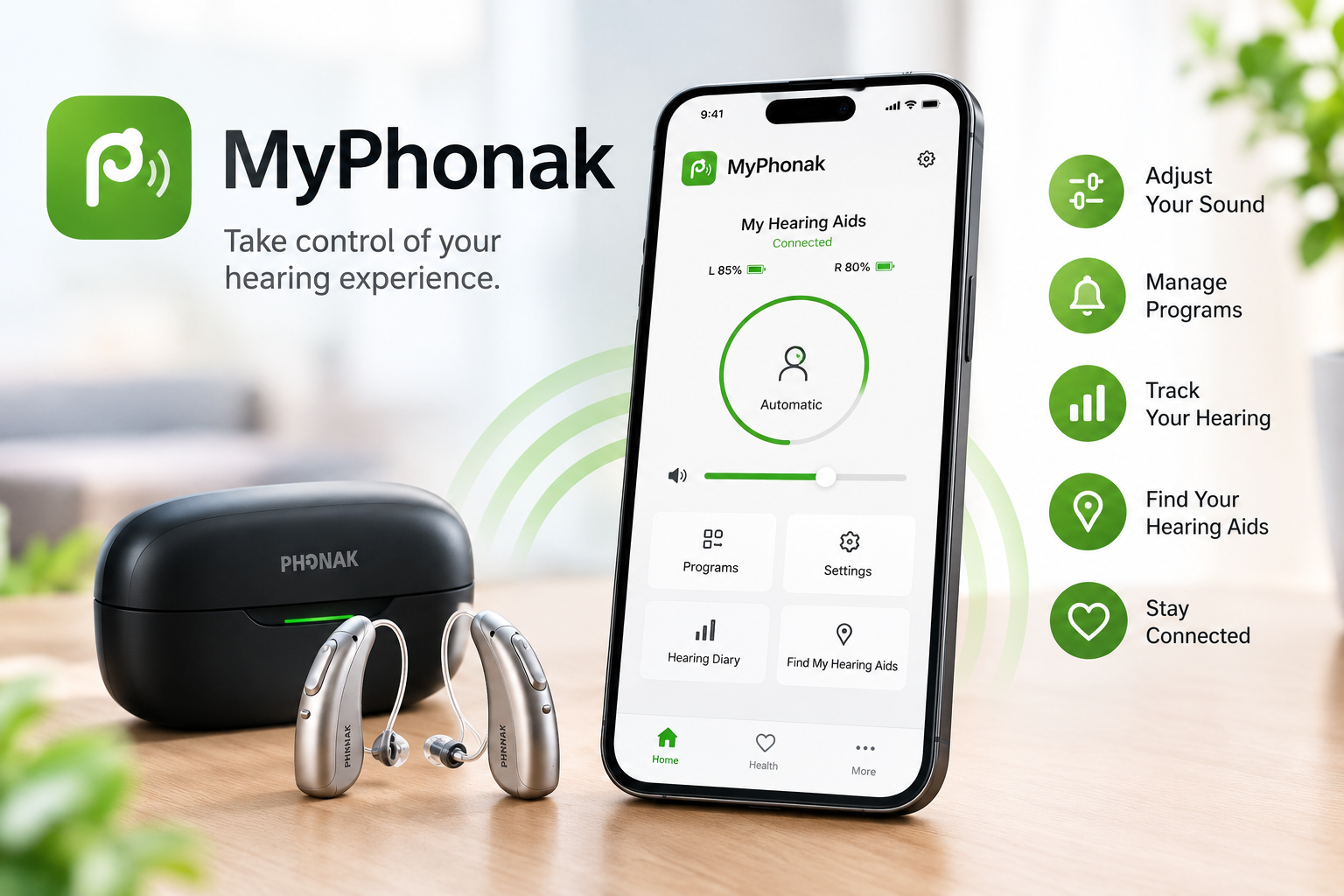
The myPhonak app is a smartphone app designed to help people manage compatible Phonak hearing aids from their mobile devices. Instead of making every adjustment directly on the hearing aids, users can access several controls and settings through the app.
The app is developed by Sonova and is available for compatible iPhone and Android devices. Depending on the hearing aid model, users can adjust volume, change listening programs, manage certain sound settings, check device information, and access additional features.
In this article, we will explain what the myPhonak app is, how it works, what features it offers, which phones and hearing aids are compatible, and how users can get started.
What Is the MyPhonak App?
The myPhonak app is a free smartphone application created for compatible Phonak hearing aids. It connects to supported hearing aids through Bluetooth and gives users a convenient way to manage parts of their hearing experience from their phone.
The app is designed for everyday use, so users can make certain changes without repeatedly handling the hearing aids themselves. Available controls depend on the specific hearing aid model and the fitting provided by a hearing care professional.
The app can also provide access to account-based features, support options, and selected health and well-being information. Some features require users to create and sign in to a myPhonak account.
How Does the MyPhonak App Work?
The basic process is straightforward. First, users need compatible Phonak hearing aids with Bluetooth connectivity and a compatible smartphone. After installing the app, the hearing aids can be paired with the application.
Once the connection is established, the app can communicate with the hearing aids and display available controls. Users may then be able to change volume, select programs, mute the hearing aids, or adjust supported sound settings.
The exact controls are not identical for every model. Phonak explains that the hearing aids are initially fitted to the user’s needs by a hearing care professional, while the app provides additional controls and adjustments based on that fitting.
Main Features of the MyPhonak App
The myPhonak app includes several features, although availability can depend on the hearing aid and phone being used.
Remote Control
One of the main functions is Remote Control. It allows users to make adjustments such as changing volume and selecting available hearing programs.
Depending on the hearing aid, more advanced options can also be available. These may include controls for ambient balance, equalizer settings, noise reduction, and speech focus.
Hearing Aid Programs
Different environments can require different hearing settings. The app allows users with compatible devices to manage their available hearing programs from the phone.
For example, a user may switch between settings designed for different listening situations. Some users can also create customized programs depending on the capabilities of their hearing aids.
Battery and Connection Information
The app can provide useful information about the connected hearing aids. Depending on the phone and device, users may be able to see connection status, active programs, and battery information.
Phonak’s current app information notes that certain widget features differ between iOS and Android devices.
Find My Hearing Aids
A Find My Hearing Aid feature is also available for compatible devices. Phonak says supported hearing aids can record their last connection location, helping users know where to begin looking.
With compatible devices, the feature can provide real-time guidance as the user gets closer to the hearing aids. Availability can depend on the specific hearing aid model and version of the app.
Remote Support
Another important feature is Remote Support. When available in the user’s country and for their hearing aid setup, the app can connect users with their hearing care professional for an appointment.
Phonak describes features such as remote appointments and real-time hearing aid adjustments. Users generally need to have their hearing aids turned on and connected before starting a remote support session.
Health and Well-Being Features
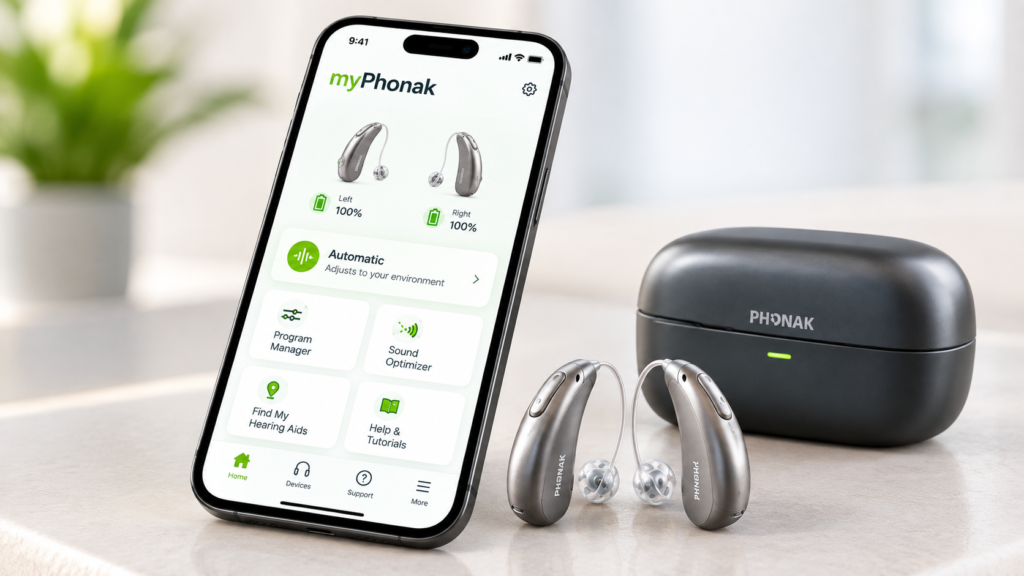
The myPhonak app can also include selected health and well-being features. Users with a myPhonak account may have access to information such as hearing aid wearing time, steps, and heart rate tracking, depending on the supported setup.
Phonak also describes optional goals for some compatible hearing aids, including wearing-time and step goals. These features are intended to help users monitor their everyday hearing-aid use and activity.
Not every health feature is available with every hearing aid or phone. Users should check their specific device compatibility before expecting a particular function.
How to Set Up the MyPhonak App
Getting started normally begins with downloading the myPhonak app onto a compatible smartphone. Users can then create an account if they want to use account-based features.
The next important step is pairing the compatible Phonak hearing aids with the app. Bluetooth connectivity needs to be available, and the hearing aids should be ready to connect.
After pairing, the app can show the features supported by the connected hearing aids. If a particular option does not appear, it may be because the hearing aid, phone, software version, or regional availability does not support that feature.
MyPhonak App Compatibility
The current Phonak support information states that myPhonak requires Phonak hearing aids with Bluetooth connectivity. Compatible phones include iPhones running iOS 16 or newer and Google Mobile Services-certified Android devices supporting Bluetooth 4.2 and Android 10 or newer.
The app supports a range of Phonak hearing aid families, including selected Audéo, CROS, Virto, Naída, and other models from newer and previous product generations.
However, compatibility does not mean every feature works on every model. Phonak specifically notes that some older or particular hearing aids may not support advanced Remote Control or Remote Support.
Can You Adjust Hearing Aids With MyPhonak?
Yes, compatible hearing aids can be adjusted through the app within the controls provided for that device. Basic adjustments can include volume and program selection, while some models provide additional sound personalization options.
The app does not replace the initial professional fitting of the hearing aids. Phonak states that hearing aids are fitted to the user’s hearing needs by a hearing care professional, after which the app can provide supported remote controls and modifications.
This distinction is important because the available settings depend on how the hearing aids were fitted and which functions the particular model supports.
Can MyPhonak Connect You With a Hearing Care Professional?
The app can provide Remote Support when the feature is available. After an appointment has been arranged, users can open the app, make sure the hearing aids are connected, and access the Support section to start the remote session.
Phonak’s instructions describe selecting Support, then Start a session, Start Remote Support, and Join waiting room before accepting the incoming call.
Remote Support availability can vary by country and hearing aid. Therefore, users should confirm the feature with their hearing care professional.
Is MyPhonak Free to Use?
Phonak describes myPhonak as a free smartphone app. However, having access to the app does not mean that every feature will work with every hearing aid.
Some functions depend on the specific hearing aid, phone, operating system, account, and regional availability. Additional professional services, such as appointments with a hearing care provider, are separate from simply installing the app.
Why Do People Use the MyPhonak App?
The main purpose of myPhonak is convenience. Users can access supported hearing aid controls from their smartphone rather than relying only on physical controls on the hearing devices.
The app can also bring several functions together in one place, including hearing adjustments, device information, support options, and selected health features.
For people using compatible Phonak hearing aids, this can make everyday management more accessible. The actual experience, however, depends on the hearing aid model and the features supported by the user’s phone.
Final Thoughts
The myPhonak app is a digital companion for compatible Phonak hearing aids. It provides smartphone-based access to features such as volume control, hearing programs, personalization options, device information, and selected support services.
Its features are not exactly the same for everyone because compatibility depends on the hearing aid, smartphone, operating system, account, and region. Checking the official compatibility information is therefore an important step before using the app.
For compatible users, myPhonak brings many everyday hearing-aid controls into one smartphone application. As Phonak continues updating its app and hearing devices, the available features may also change over time.
Disclaimer
This article is for general informational purposes only. MyPhonak features, compatibility, and availability can vary depending on the hearing aid model, smartphone, operating system, account, and country. Always check the latest information from Phonak and consult a qualified hearing care professional for hearing-aid fitting, adjustments, or other hearing-related support.
Read More: Nionenad Explained: Meaning, Origins, and Why It’s Gaining Attention

