


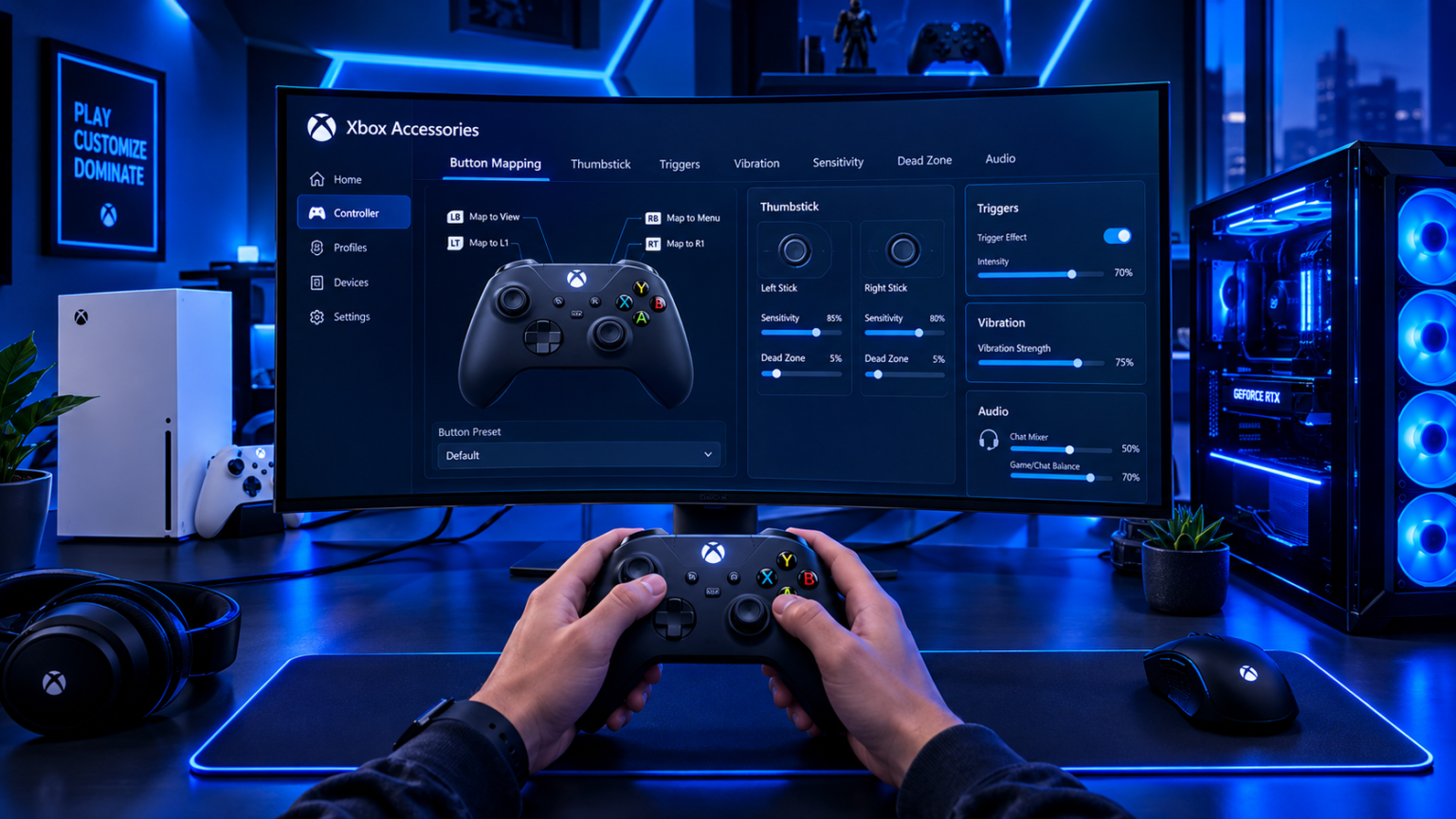
The Xbox Accessories app is a useful tool for gamers who want to customize and manage compatible Xbox controllers and accessories. Instead of using a controller exactly as it comes from the box, the app gives users options to change supported controls and create personalized setups.
Microsoft provides the Xbox Accessories app for Xbox consoles and Windows PCs. One of its key functions is controller customization, including button remapping and profile creation for supported devices.
In this article, we will explain what the Xbox Accessories app is, how it works, what features it offers, how to set it up, and which devices can use it.
What Is the Xbox Accessories App?
The Xbox Accessories app is Microsoft’s companion application for managing compatible Xbox controllers and accessories. It is designed to give players more control over how supported devices work.
Through the app, users can customize certain controller functions instead of relying only on the default configuration. Microsoft specifically highlights button remapping and controller profiles as key features.
The app is particularly useful for players who want different controller layouts for different games or who need a more personalized control setup.
How Does the Xbox Accessories App Work?
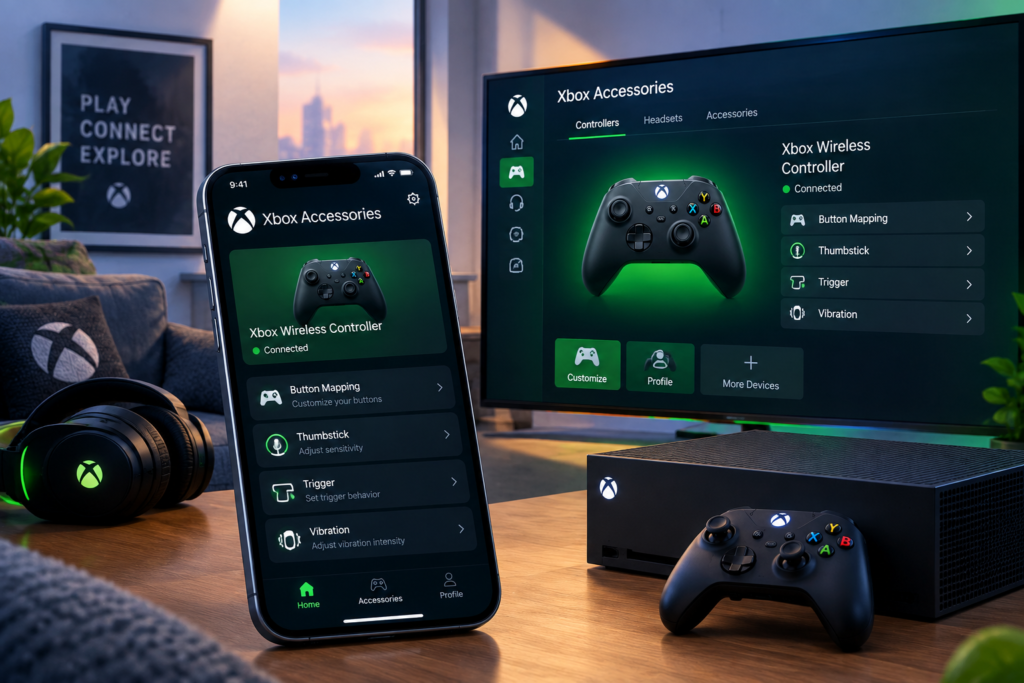
The app works by connecting a compatible Xbox controller or accessory to an Xbox console or Windows PC. Once the device is recognized, the app displays the customization options available for that particular hardware.
Users can then adjust supported controls, save configurations, and switch between profiles where supported. The options shown can vary depending on the controller or accessory being used.
This means the app does not provide exactly the same features for every Xbox device. The hardware itself determines many of the available customization options.
Main Features of the Xbox Accessories App
The Xbox Accessories app includes several useful features for compatible controllers and accessories.
Button Remapping
One of the most important features is button remapping. Users can change the function assigned to supported buttons to create a control arrangement that better fits their preferences.
For example, a player may want certain actions assigned to different buttons because a particular game feels easier with an alternative layout.
Microsoft also describes controller customization as a way to create a more personalized gaming experience.
Controller Profiles
The app can also be used to create controller profiles on supported devices. Profiles allow players to save different configurations rather than manually changing the controls every time.
Microsoft says the Xbox Adaptive Controller can have multiple profiles created through the Xbox Accessories app, with up to three accessible through its built-in Profile button.
This can be useful when players regularly switch between games with different control preferences.
Firmware and Device Management
The Xbox Accessories app is also associated with managing compatible Xbox accessories and keeping supported devices working with current software.
Firmware updates can improve compatibility, fix problems, or provide changes for supported hardware. The exact update options depend on the connected accessory and the current app version.
Keeping a controller updated can be helpful when troubleshooting connection or functionality issues.
Xbox Accessories App for Windows
Windows users can use the Xbox Accessories app with supported Xbox controllers and accessories. Microsoft lists the app as available on Windows PCs, including Windows 10 and Windows 11 in its product documentation.
This makes the app useful for PC gamers who use Xbox controllers rather than playing only on an Xbox console.
Once a compatible controller is connected, users can open the app and see the options supported by their device.
Xbox Accessories App on Xbox Consoles
The Xbox Accessories app is also available on Xbox consoles. Microsoft documentation specifically identifies Xbox One and newer Xbox console compatibility for supported accessories and customization features.
On a console, players can use the application to manage supported controller settings without needing a separate computer.
The exact menu and available options can depend on the Xbox system and connected accessory.
Is the Xbox Accessories App Compatible With Every Controller?
No. Compatibility and available features depend on the controller or accessory.
Microsoft’s documentation shows that supported devices can have different capabilities. For example, the Xbox Adaptive Controller can be customized through the Xbox Accessories app with button remapping and profiles.
Therefore, users should check the specific controller model before expecting a particular feature to appear.
Xbox Adaptive Controller and Accessibility
The Xbox Accessories app also plays an important role with the Xbox Adaptive Controller. The Adaptive Controller is designed as a customizable hub for players who use external buttons, switches, joysticks, and other assistive devices.
Microsoft explains that buttons and connected external controls can be configured through the Xbox Accessories app. This allows users to create a controller arrangement suited to their individual needs.
This makes the app useful not only for traditional controller customization but also for accessibility-focused gaming setups.
How to Set Up the Xbox Accessories App
Setting up the app is generally straightforward. Windows users can install the Xbox Accessories app through Microsoft’s supported software channels, while Xbox console users can access the application on their system.
After opening the app, connect a compatible controller or accessory. Depending on the device, this can involve a wireless connection or a USB connection.
Once the accessory is recognized, the app will display the customization options available for that device. Users can then configure supported controls and save their preferred settings.
How to Remap Buttons
Button remapping is one of the main reasons players use the Xbox Accessories app. After connecting a compatible controller, users can open its configuration section and select the controls they want to customize.
The available mapping choices depend on the device. Players can then assign supported functions to different buttons and save the configuration as a profile when that option is available.
It is a simple way to create a control layout that feels more comfortable or better suited to a particular game.
Why Use Controller Profiles?
Controller profiles can save time for players who use different layouts. Instead of changing button assignments manually every time, users can keep multiple configurations available.
For example, one profile could be designed for a racing game while another could be configured for an action or sports game.
The number of profiles and how quickly they can be switched depends on the connected hardware. Microsoft specifically notes profile functionality for the Xbox Adaptive Controller.
Common Problems With the Xbox Accessories App
Sometimes the Xbox Accessories app may not recognize a controller or may fail to display the expected options. Connection problems, outdated software, Windows issues, or unsupported hardware can all affect the experience.
A basic troubleshooting step is to check the controller connection and make sure Windows or the Xbox console is up to date.
Users should also confirm that their controller is actually supported by the feature they are trying to use. Not every accessory offers the same customization options.
Is the Xbox Accessories App Free?
The Xbox Accessories app is a Microsoft system application used with supported Xbox accessories. Users do not normally need to purchase the app separately just to access its controller customization functions.
However, the Xbox controller or other accessory being configured is separate hardware and may need to be purchased separately.
Some advanced capabilities are also limited to particular devices, so having the app does not automatically mean every feature will be available.
Final Thoughts
The Xbox Accessories app is designed to make compatible Xbox controllers and accessories more customizable. Its main functions include button remapping, profile creation, and device configuration, with available options depending on the connected hardware.
It can be especially useful for gamers who want personalized controls or different layouts for different games. The app also supports accessibility-focused configurations through devices such as the Xbox Adaptive Controller.
If you use an Xbox controller on a console or Windows PC, checking the Xbox Accessories app can help you understand which customization features are available for your particular device.
Disclaimer
This article is for general informational purposes only. Xbox Accessories app features, device compatibility, firmware options, and supported hardware can change as Microsoft releases software and hardware updates. Always check Microsoft’s official Xbox and support documentation for the latest compatibility and setup information.
Read More: Joy App Explained: Features, Benefits, How It Works, and What You Need to Know

