


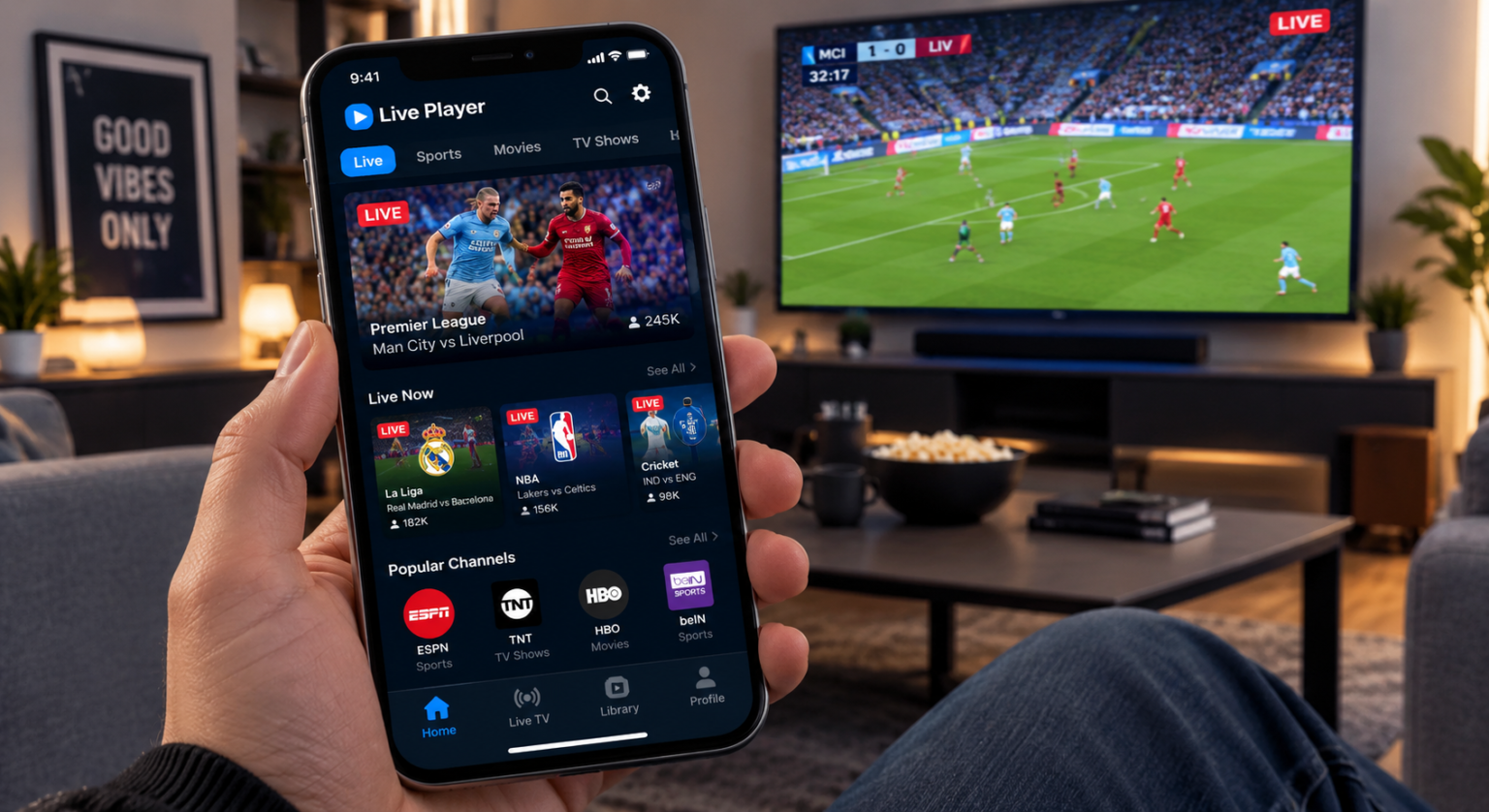
Live Player is a media streaming application that can be used to play live streams, videos, TV content, and other supported media on compatible devices. However, the name “Live Player” is used by more than one application, so the exact features can depend on the specific version and developer.
One current Android version, Live Player: Watch TV & Movies, is designed around live TV, TV channels, movies, and TV shows through user-provided playlists. Another app available for Apple devices, Live Player – AI media player, focuses more broadly on streaming protocols, local and network media, cloud files, casting, and video playback.
In this article, we will explain what the Live Player App is, how it works, its main features, playlist support, compatibility, and what users should know before using it.
What Is Live Player App?
Live Player is a media player application designed to bring different types of video and streaming content into one place. Depending on the version, users can watch live TV, movies, TV shows, or play video files and online streams.
The Android version currently listed on Google Play supports adding playlists through a URL or file. It can then organize channels and other content into categories such as sports, movies, and TV shows.
The Apple version has a broader media-player focus. Its App Store listing says it supports several streaming protocols and many common video and audio formats.
How Does Live Player App Work?
The basic idea is simple: the app acts as a player and organizer for media sources that it supports. Users can add a playlist or open compatible media, and the application displays the available content.
For the Android Live Player app, users can add playlists through a URL or file and then browse the channels or media contained in those playlists.
The iPhone and iPad version can handle online streams as well as media stored on supported network or cloud services. This gives it a broader role than simply being a traditional video player.
Main Features of Live Player App
The available features depend on the particular Live Player application, but several useful functions are currently listed by the developers.
Live TV and TV Channels
The Android version is designed to let users watch live TV and TV channels through supported playlists. Users can organize their channels and find content without repeatedly entering the same information.
This can be useful for people who already have legitimate streaming sources and want one application for organizing them.
Movies and TV Shows
Live Player can also be used for movies and TV shows when those sources are included in a supported playlist.
The Android listing specifically describes support for organizing movie and TV content alongside live television and sports channels.
The app itself should not be confused with a service that automatically provides every movie or TV channel. Available content depends on the sources supplied to the player.
Playlist Support
Playlist support is one of the most important features of the Android version. Users can add playlists using a URL or a file and create categories to keep their content organized.
This can make large collections of channels easier to browse because users can separate different types of content instead of keeping everything in one long list.
Favorites and Watch History
The Android version also includes Favorites and watch history. Favorites can help users quickly return to channels or movies they watch regularly.
Watch history can make it easier to find content that was viewed previously without searching through the entire playlist again.
Search
A search feature is available in the Android version to help users find channels and other content inside their playlists.
This becomes especially useful when a playlist contains a large number of channels, movies, or shows.
Live Player for iPhone and iPad
The Apple version of Live Player is described as a professional streaming media player for iPhone and iPad. It supports several streaming protocols, including HTTP, HTTPS, HLS, RTMP, and MPEG-DASH.
It also supports a variety of common media formats and codecs, including MP4, MOV, MKV, AVI, H.264, H.265/HEVC, AAC, and MP3.
The current App Store listing states that the app requires iOS or iPadOS 16.6 or later.
Network and Cloud Media
One notable feature of the Apple version is its ability to work with media stored in different locations.
According to its App Store listing, Live Player can play media from network storage such as NAS and SMB shares. It can also access supported cloud services including Google Drive, OneDrive, and Dropbox.
This makes the app useful for people who keep their video collections across different storage locations.
4K HDR and Picture-in-Picture
The Apple version also lists hardware-accelerated H.264, H.265, and HEVC decoding, along with 4K HDR playback.
Picture-in-Picture is another listed feature, allowing supported video playback to continue in a smaller window while the user works with other parts of the device.
The exact experience can depend on the device, operating system, and media being played.
AirPlay and Chromecast
The Apple version supports casting and streaming features including AirPlay and Chromecast. The developer also states that supported content can be streamed to compatible Samsung and LG TVs and Roku through AirPlay.
This can make it easier to move supported video from a phone or tablet to a larger screen.
AI Live Subtitles
One of the newer features listed for the Apple version is on-device AI live subtitle generation.
The feature can automatically transcribe audio and display subtitles while content is playing. Because this is an on-device feature, its performance may depend on the device and the audio quality of the content.
Is Live Player Free?
The answer depends on which Live Player app you mean.
The Android Live Player: Watch TV & Movies listing is available with advertisements.
The Apple Live Player – AI media player is listed as free to download but includes in-app purchases. The current App Store listing shows several Pro purchase options.
Therefore, users should check the exact app listing and developer before assuming that all features are free.
Is Live Player Easy to Use?
The basic concept is relatively straightforward. Users install the correct application, add supported media or playlists when required, and then browse the available content.
For the Android version, the process mainly revolves around adding a playlist and organizing its content. For the Apple version, users can also open supported media from local, network, or cloud sources.
The amount of setup required depends on the type of content a user wants to play.
Is Live Player Safe to Use?
Users should be careful to download the correct Live Player application from an official app store. Since several apps can use similar names, checking the developer name is important.
Users should also review the permissions and privacy information before giving an application access to personal files, accounts, or other device information.
For streaming content, users should make sure that their playlists and media sources are legitimate and that they have permission to access the content.
Common Problems With Live Player
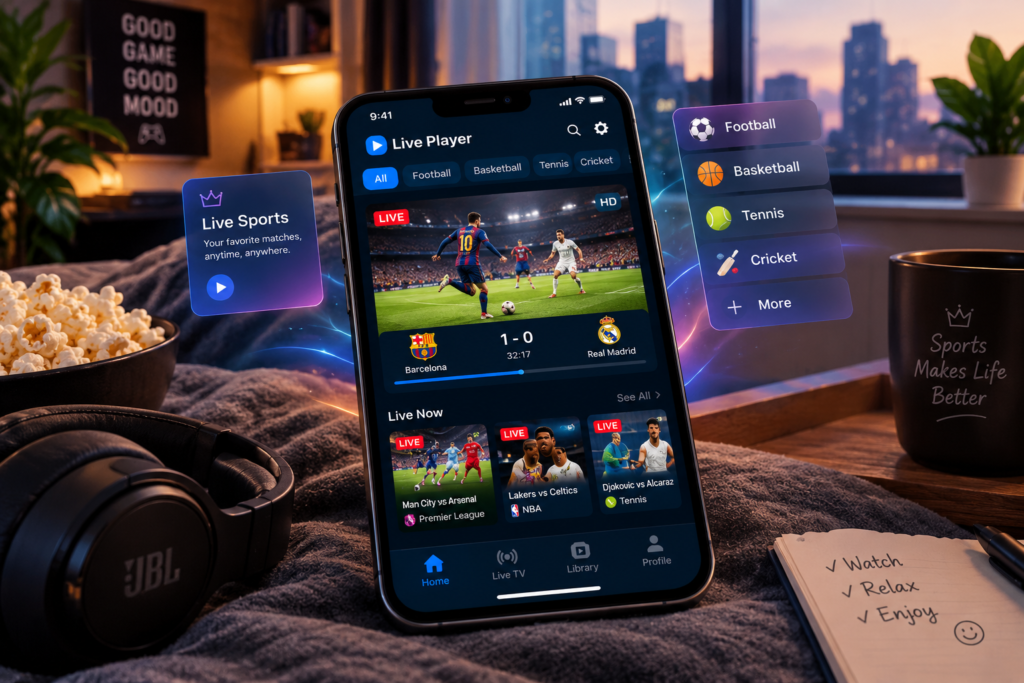
Like other streaming applications, Live Player can experience problems such as buffering, failed connections, missing channels, or unsupported media.
A weak internet connection can affect online streaming, while an incorrect or unavailable playlist can prevent channels from loading.
If a particular video format does not work, it may also be a compatibility issue. Checking the app version, updating the application, and verifying the media source are useful first steps.
Why Do People Use Live Player?
The main attraction of a media-player app is convenience. Instead of using separate players for different types of supported content, users can organize multiple sources in one application.
Playlist support can also make large collections easier to manage, while features such as Favorites and search can reduce the time needed to find frequently watched content.
For users with different media sources, the ability to play files, streams, and network content can make a player more flexible.
Final Thoughts
Live Player is a flexible name used by different media-player applications, so its exact features depend on the specific version. The Android version focuses on live TV, channels, movies, TV shows, playlists, favorites, history, and search, while the Apple version offers broader media playback and streaming features.
Before downloading Live Player, users should check the developer, platform, supported formats, pricing, and available features. This is especially important because multiple applications use similar names.
For people looking for a convenient way to organize and play supported media, Live Player can provide a range of useful tools depending on the version they choose.
Disclaimer
This article is for general informational purposes only. “Live Player” can refer to multiple applications with different developers, features, and availability. Features, compatibility, pricing, and privacy practices may change over time. Always check the official app-store listing and developer information before downloading or using the application, and use only media sources and playlists that you are authorized to access.
Read More: Xbox Accessories App Explained: Features, Setup, Compatibility, and How It Works

