


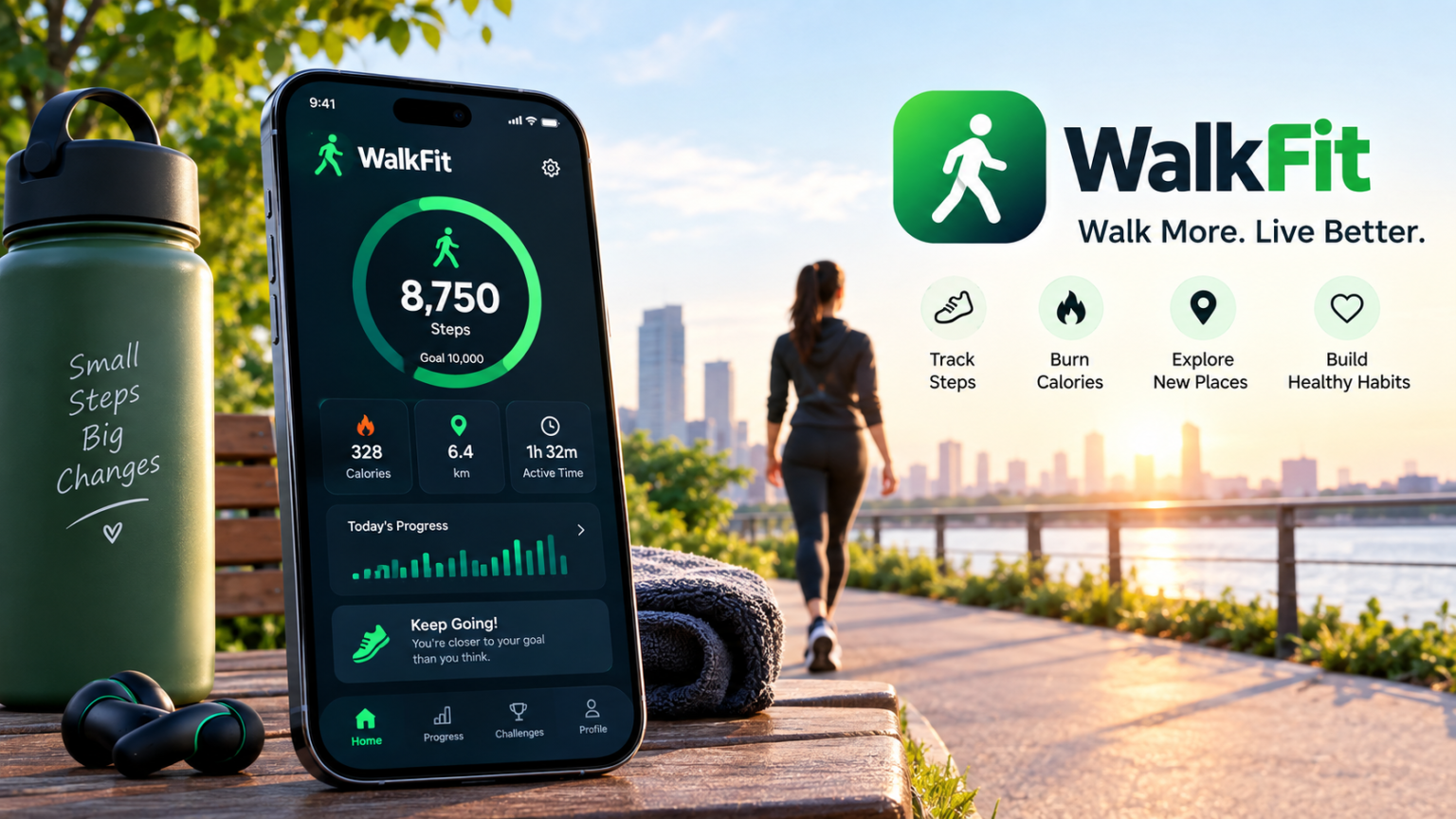
WalkFit is a walking and fitness app designed to help people become more active by tracking steps, distance, calories, and other everyday activity. It combines walking goals with personalized plans, reminders, and progress tracking to make regular movement easier to follow.
The app is mainly built around walking, but it can also include features related to weight management, workouts, water intake, and healthy lifestyle habits. Because features can change between app versions and subscription plans, the experience may not be exactly the same for every user.
In this article, we will explain what the WalkFit App is, how it works, its main features, benefits, pricing considerations, and what users should know before getting started.
What Is the WalkFit App?
WalkFit is a fitness application focused on helping users track and improve their walking activity. It can use smartphone sensors to monitor steps and movement while providing goals that encourage users to stay active.
The app is designed for different activity levels, including people who are just starting to walk more and those who already have a regular walking routine.
Rather than simply showing a step count, WalkFit combines activity tracking with plans and progress tools so users can follow their habits over time.
How Does WalkFit App Work?
After installing the app, users generally provide basic information and select their activity or fitness goals. Depending on the version and features available, the app may then create a personalized walking plan.
WalkFit can use data from the phone’s sensors and supported health platforms to track activity. As users walk during the day, their progress can be displayed inside the app.
The app may then use this information to show daily goals, distance, calories, walking time, and other statistics.
Main Features of WalkFit App
WalkFit includes several features designed around walking and general fitness. The exact features available can depend on the user’s device, app version, and subscription.
Step Tracking
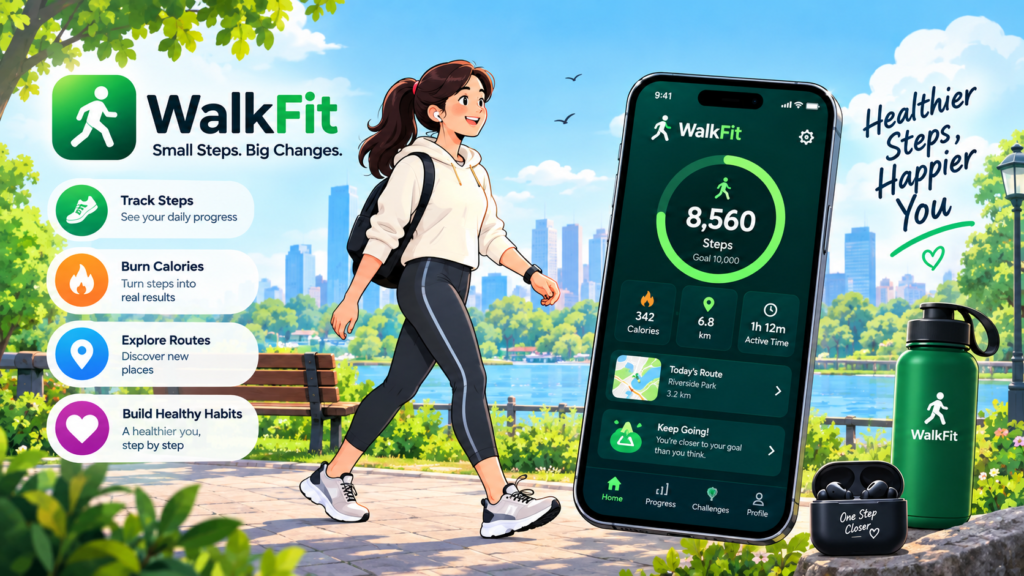
Step tracking is one of the central features of WalkFit. The app can count steps taken throughout the day and display the information as part of the user’s activity progress.
Seeing a daily step count can make it easier to understand how active you have been and whether you are moving toward your personal goal.
Users can gradually increase their activity rather than trying to make major changes all at once.
Walking Plans
WalkFit offers structured walking plans designed around different goals and activity levels.
A plan can provide users with a target and a routine to follow instead of leaving them to decide how much walking to do each day.
This can be particularly useful for people who prefer having a clear schedule and measurable milestones.
Distance and Calorie Tracking
The app can also provide information about walking distance and estimated calories burned.
These numbers can help users monitor their activity over time, although calorie estimates from fitness apps are not exact measurements of energy expenditure.
Factors such as body size, walking speed, terrain, and individual differences can affect actual calorie use.
Progress Tracking
WalkFit can show activity history and progress so users can compare their recent performance with previous days.
Tracking progress can make changes in activity easier to notice. For example, someone may discover that they are gradually walking farther or taking more steps than they did when they started.
Walking Goals and Challenges
Setting goals can make walking feel more structured. WalkFit allows users to work toward activity targets based on their selected objectives.
Some versions of the app may also include challenges or achievements that encourage users to stay consistent.
The purpose of these tools is to turn walking into a regular habit rather than something that only happens occasionally.
Weight-Loss Features
WalkFit is also marketed around weight-management goals. Depending on the current app version, users may find features related to weight tracking, calorie information, walking plans, and lifestyle habits.
However, walking apps should not be treated as a substitute for medical or nutritional care. Weight change depends on many factors, including food intake, activity, sleep, health conditions, and individual metabolism.
People with specific health or weight concerns should speak with an appropriate healthcare professional for personalized advice.
Water Tracking
Some versions of WalkFit include water-intake tracking. This allows users to record how much water they drink during the day and monitor their progress toward a personal hydration target.
A tracking feature can be useful for remembering to drink regularly, but individual fluid needs vary.
Factors such as weather, physical activity, diet, age, and health can affect how much fluid a person needs.
Workout Features
WalkFit can also include exercise and workout content in addition to walking plans. Depending on the version, users may find simple exercises that complement their walking routine.
These workouts can provide additional movement options for people who want to make their fitness routine more varied.
The available exercises and plans may change as the app is updated.
WalkFit and Health Apps
WalkFit can work with health-related features on supported smartphones. Depending on the platform and permissions granted, activity information may be connected with the device’s health ecosystem.
Users should carefully review permissions before allowing an application to access health or activity data.
Only grant access that you are comfortable sharing, and check the app’s privacy information to understand how data is handled.
Is WalkFit Free?
WalkFit can be downloaded without necessarily paying an upfront installation fee, but some features may require a subscription or in-app purchase.
The exact price can vary depending on the country, platform, subscription option, and promotional offer shown to the user.
Before starting a trial or subscription, users should check the current payment terms, renewal schedule, and cancellation instructions shown in the app store or during signup.
Is WalkFit Easy to Use?
The basic idea of WalkFit is relatively simple. Users set goals, allow the necessary activity permissions, and then carry their smartphone while walking.
The app can record activity and display progress through charts, numbers, goals, or other visual tools.
For people who enjoy seeing measurable progress, having steps and walking targets in one place can make a daily routine easier to follow.
Benefits of Using WalkFit App
One potential benefit of WalkFit is that it makes walking more measurable. Instead of simply knowing that you walked, users can see steps, distance, activity time, and other available statistics.
Another benefit is structure. Personalized plans and goals can give users a routine to follow, which may be helpful for people who struggle with consistency.
The app can also make everyday movement feel more engaging by turning activity into measurable progress.
Common Problems With WalkFit
Like other fitness apps, WalkFit may sometimes show inaccurate step counts or activity information. Phone placement, sensor limitations, battery settings, and permission settings can affect tracking.
If the app is not counting steps correctly, users should check that motion and activity permissions are enabled and that the application is allowed to operate properly in the background.
An outdated app or operating system can also cause technical problems. Updating the software and restarting the phone can sometimes resolve basic issues.
Does WalkFit Replace a Fitness Tracker?
WalkFit can provide useful activity tracking through a smartphone, but it is not necessarily a complete replacement for a dedicated fitness tracker or smartwatch.
A phone may not be carried all day, which can affect the amount of activity recorded. Wearable devices can continuously monitor movement when worn correctly.
The best option depends on how much information a person wants to track and what device they already use.
Who Can Use WalkFit?
WalkFit is mainly intended for adults who want to increase their walking activity or organize a regular fitness routine.
People who are new to exercise can start with manageable goals and gradually build their activity. More active users may use the app to track distance or maintain a walking routine.
Anyone with a medical condition, significant mobility limitation, or concerns about starting exercise should consider getting professional medical advice before beginning a new fitness program.
Final Thoughts
WalkFit is a walking-focused fitness app that combines step tracking, activity goals, walking plans, progress monitoring, and other lifestyle features. It is designed to make everyday movement easier to track and more structured.
The app can be useful for people who want a simple way to monitor walking habits and work toward personal activity goals. However, features, pricing, and available plans can vary depending on the device and subscription.
As with any fitness application, WalkFit works best as a tracking and planning tool rather than a replacement for professional medical or fitness guidance.
Disclaimer
This article is for general informational purposes only and is not medical or fitness advice. WalkFit features, pricing, subscription terms, tracking capabilities, and availability may change over time. Calorie, distance, and activity estimates may not be exact. If you have a medical condition or concerns about starting a new exercise routine, consult a qualified healthcare professional before making significant changes to your activity level.
Read More: Live Player App Explained: Features, Benefits, How It Works, and What You Need to Kno

